Open shifts are filled from the substitute's own app
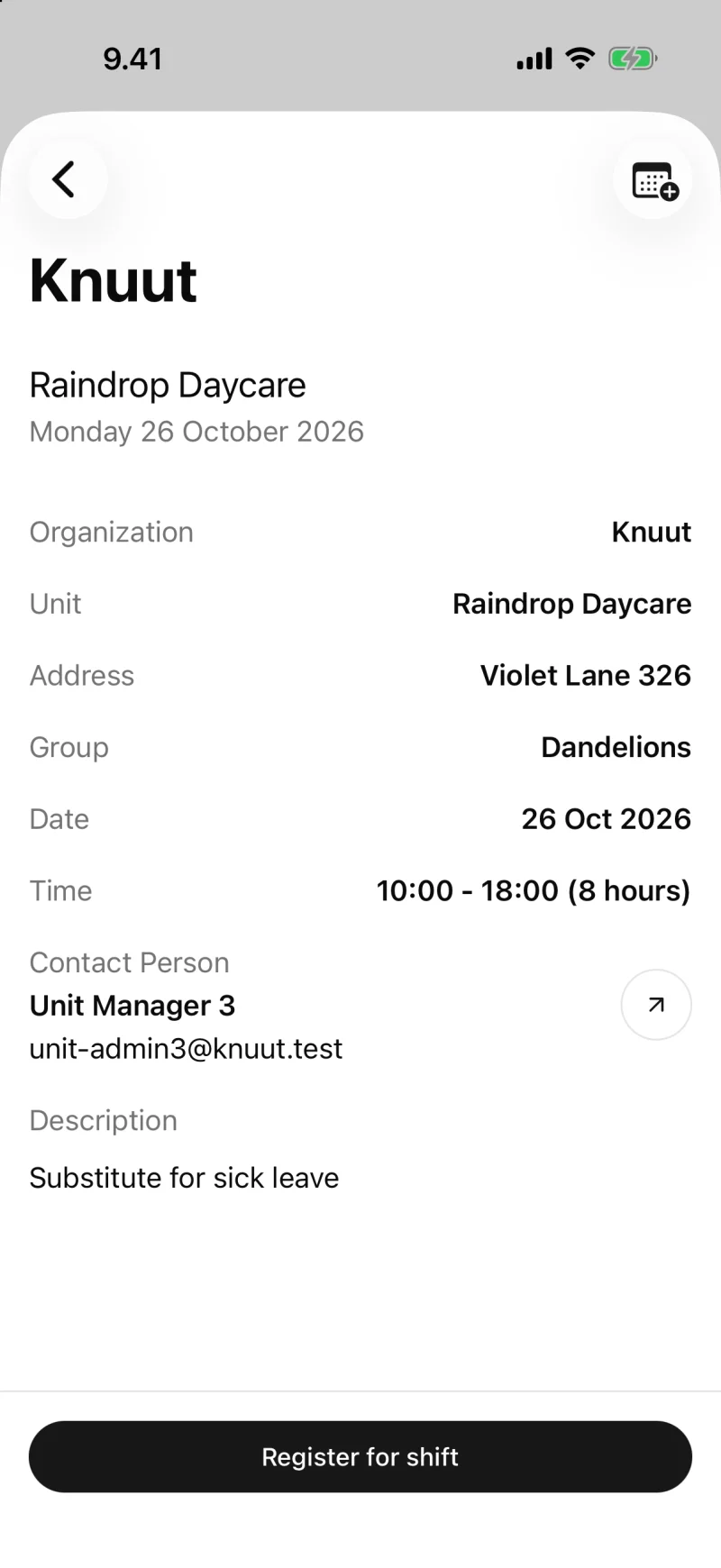
When a staff member calls in sick, the admin team publishes the shift and substitutes sign up on their phones. You pick someone from the list, and they see the shift details right away.
How it works
- Admin web app
- Knuut Substitute
- Knuut Management
A shift published in seconds
The admin team creates a shift for a unit and a time, and a group if needed. Substitutes get a push notification and see the shift in their app. In roster planning, a staffing gap can be opened as a substitute shift straight from the staffing chart.
Substitutes sign up, the admin team chooses
Everyone who signed up appears in a list. The admin team picks the right person, and the substitute sees the decision immediately. For everyone else the shift disappears.
The substitute shows up in the unit
The chosen substitute appears on the unit's list for the day and checks in on the unit's phone like everyone else. The staff ratio counts them in.
A limited view
The substitute app shows only shifts and notifications. Substitutes have no access to children's details or to communication.
What's included
- Publish a shift for a unit and a time
- Push notification to substitutes, sign-up in the app
- Choose from those who signed up, cancel when needed
- The substitute joins the unit's list and the staff ratio
- Shifts also from the management mobile app
Related
Service voucher invoices from the municipal report, with client fees and sibling discounts. Invoices go to the guardian's app. No spreadsheets.
Announcements, surveys guardians can answer and a conversation for each child. Read receipts and reminders included.
Questions about this feature
Can a substitute work in more than one unit?
Yes. A substitute belongs to the organisation, not a single unit, and sees open shifts in every unit.